...
Testimonialols

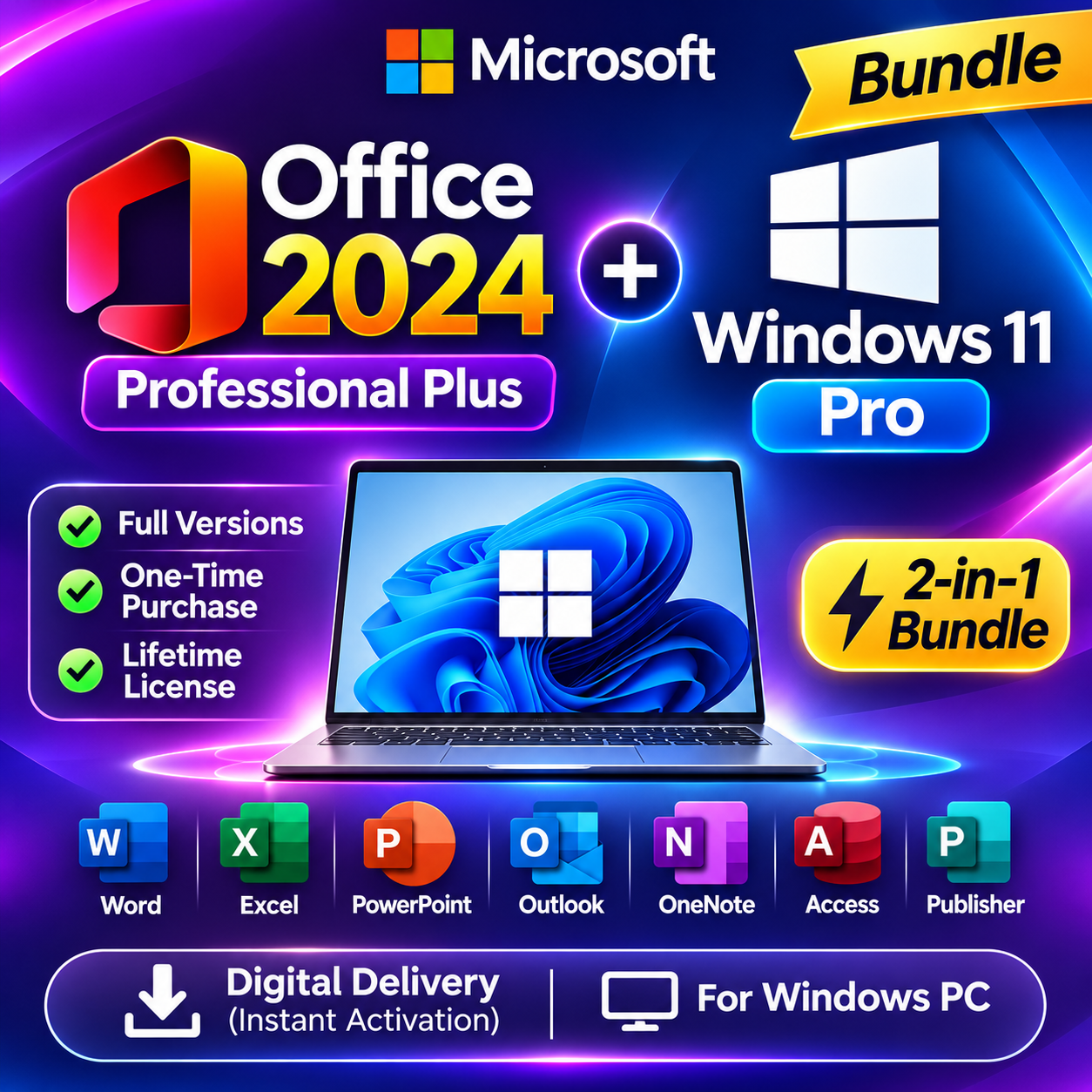
Office 2024 Professional Plus & Windows 11 Pro Bundle

Details:

In Stock - Limited stock available
$239.99 $29.99 SAVE 90%
Instant download
100% money-back
24/7 support

Secure payment:


Key Features:  

– Includes Access, Skype, Excel, OneNote, Outlook, PowerPoint, and Word.  

– Microsoft Publisher is *not included* and will no longer be supported after October 2026.  

– Designed for on-premises use in environments with limited internet connectivity.  


What is Office Professional Plus?  

Office Professional Plus is a one-time purchase version of Microsoft’s core productivity apps, perfect for home and professional needing a stable, feature-locked solution.

Unlike Microsoft 365, Office Professional Plus does not include online services like Exchange Online or SharePoint Online. It’s built for environments where consistent functionality over the long term is a priority.


System Requirements:  

– Processor: 1.1 GHz or faster, 2-core  

– Memory: 4 GB RAM  

– Storage: 4 GB available space  

– Display: Minimum 1280×768 resolution (64-bit Office required for 4K+)  

– Graphics: Direct3D 9.1 compatible with WDDM 1.3 driver or higher  

– Operating System: Supports Windows 10, Windows 11, and LTSC versions of Windows 10/11  

– Browser: Latest version of Microsoft Edge, Chrome, or Firefox  

– .NET: Some features may require .NET version 3.5 or 4.6 and above.  


The new Windows 11 – Buy Microsoft Windows 11 Pro Product key cheaply at KeysGap to save both time and money! If you have already installed Windows 11, you do not need to reinstall and can permanently activate your existing operating system with our key code . Our original keys can also be easily used for reinstalling and upgrading from Windows 10 to Windows 11 and also for upgrading from the Home Edition to the Pro Edition. Upgrading from Windows 10 to Windows 11 can be easily done without a reinstallation and therefore without data loss. Thanks to our detailed PDF instructions, an upgrade is possible within minutes without data loss and without reinstalling. Our lightning shipping guarantee: We send the Retail key immediately by email . You also get access to the .iso file and the MediaCreationTool in our Download Center and can also simply download the software directly from the manufacturer.


Is the Windows 11 worth it?

Yes, buying a Windows 11 product key is definitely worth it. It’s true – Microsoft actually has strict requirements for the new Windows 11. Nevertheless, Windows 11 can now be installed on all old devices without a TPM. The instructions for this come directly from the manufacturer Microsoft and are also easy for IT beginners. All you need is a bootable USB stick, which you can purchase in our online shop at a reasonable price. If you have any questions or difficulties, you will immediately receive free remote support from our trained service team.


You are purchasing a product key here, not a license. According to the Microsoft license terms, this product key is for one-time activation only. Key functionality may not be guaranteed if the device is modified or reinstalled. Use on multiple devices is not allowed. Refer to Microsoft’s Terms of Use and Privacy Policy for specific license details.

Windows 11 Pro

Processor: 1 GHz or faster with at least 2 cores on a compatible 64-bit processor or system on a chip (SoC)
RAM: 4 GB or more
Storage: 64 GB or larger storage device
Graphics Card: DirectX 12 compatible graphics with WDDM 2.0 driver
Display: High-definition (720p) display that is greater than 9 inches diagonally, 8 bits per color channel
System Firmware: UEFI, Secure Boot capable
TPM: Trusted Platform Module (TPM) version 2.0
Internet: Internet connection and Microsoft account required for setup and updates.

Microsoft Office 2024 Pro Plus

Processor: 1.1 GHz or faster, dual-core processor
RAM: 4 GB or more
Storage: 4 GB available disk space
Graphics Card: DirectX 9 or later with WDDM 1.3 driver
Display: 1280 × 768 resolution or higher
Operating System: Windows 10 or Windows 11
Internet: Required for activation and updates

Windows 11 Pro:


1. Open Settings & Check Updates

Click the Windows logo → open Settings → go to Windows Update and click Check for updates. Install any available updates.

2. Go to Activation Settings

In Settings, navigate to System → Activation.

3. Enter Your Product Key

Click Change Product Key, enter your Windows 11 Pro product key, and select Next.

4. Complete Activation

Follow the prompts to finish activation. Once done, your Windows will be successfully activated.


Windows 11 Download Link:

https://www.microsoft.com/software-download/windows11 


Microsoft Office 2024 Pro Plus:


1. Receive Your Product Details

After your purchase, you will receive an official Microsoft download link, your product key, and step-by-step activation instructions.

2. Download and Install Office


Use the provided download link to download and install Microsoft Office 2024 Pro Plus. Follow the on-screen instructions to complete the installation process.

3. Open an Office Application


Launch Microsoft Word, Excel, PowerPoint, or any Office application after installation.


4. Activate Your Product


When prompted, enter the product key provided with your purchase and follow the on-screen instructions to complete activation.

5. Complete Activation


Once activation is successful, Microsoft Office 2024 Pro Plus will be ready to use and all included applications will be fully accessible.

SIMPLE SOFTWARE ACTIVATION

How Keys Gap Works

From choosing your software to activation, get started in four simple steps.

Digital Delivery
Keys Gap Your software order
Delivered
Office 2024 Professional Plus Example digital license
YOUR ACTIVATION KEY XXXXX-XXXXX-XXXXX-XXXXX-XXXXX
View Activation Guide   →
Easy Setup Instructions Keys Gap · Digital Software
STEP 01

Choose Your Software

Find the software license that fits your needs and select your preferred product.

STEP 02

Complete Your Purchase

Place your order through our secure checkout using an available payment method.

STEP 03

Receive Your License

Receive your software activation key and order details by email, along with setup instructions.

STEP 04

Install & Activate

Follow the installation guide, enter your activation key, and start using your software.

Digital Software Delivery
Secure Checkout
Activation Support
HOW WE COMPARE

Why Buy from KeysGap

What every order includes — and what other sellers often skip.

What matters
KeysGap
Others

Authentic software licenses

Software keys sourced for supported products and activation.

Fast digital delivery

Your order details are delivered digitally after purchase.

Helpful customer support

Assistance available before and after your purchase.

Clear refund policy

Straightforward refund terms with clear eligibility requirements.

Transparent pricing

See product pricing clearly before you complete your order.

Secure checkout

Payments handled through a secure checkout experience.

Testimonial

What they say

WHY KEYSGAP

Buy with total confidence.

Everything below comes standard with every KeysGap order.

Instant digital delivery

Receive your order details quickly by email after purchase.

Trusted software products

Clear product information and activation details for the software you order.

Secure checkout

Complete your order through a secure and straightforward checkout process.

Helpful customer support

Get assistance with your order, setup, and activation when you need it.

Good to know

Frequently asked questions

How do we keep our prices so low?

Two reasons. First, we buy at volume directly from authorised channels, which earns us wholesale discounts we pass straight on to you. Second, everything is delivered digitally — no boxes, no postage, no warehouse costs. That’s how we sell the exact same official product key for far less than the retail price, without cutting any corners on authenticity.

Are our codes / keys real?

Absolutely — every code is 100% authentic and sourced from authorised distributors. Your key activates directly with the official vendor (Microsoft, Norton, and others), exactly like one bought in-store. And if a key ever fails to activate, we’ll replace it or refund you, no questions asked.

How long does it take to get my order?

Most orders land in your inbox within a few minutes of payment, any time of day. Occasionally an order is flagged for a quick security check to protect against fraud — if that happens, we may ask you to confirm a detail, which adds a short delay. If your order takes longer than expected, just reach out and we’ll sort it fast.

Do we ship by post?

For software keys, there’s nothing to post — your code is delivered digitally by email, worldwide, so there’s no waiting on the mail. Physical hardware orders are the only exception: those are shipped within the USA.

How can I download / view my code / key?

Your key and download link are emailed to you within 5 minutes of purchase — usually much sooner. You can also find it any time in your account under your order history. If you don’t see the email, check your spam folder, and remember each order comes with a download link plus a step-by-step activation guide.

Are there subscription fees for your product keys?

None. Our Windows and Office keys are a one-time purchase — you activate once, own the product key for good, and never pay a monthly or annual fee. The only products with a term are genuine subscriptions like Microsoft 365, which are always clearly labelled with their duration on the product page.

Can I redeem / activate my product key later?

Yes — the key itself doesn’t expire, so you can hold on to it and activate whenever you’re ready. That said, we recommend activating fairly soon so you can confirm everything works while you’re still within our money-back window.

I don't know how to activate my product key!

No problem — our Help Center has detailed, step-by-step tutorials for every product, with screenshots to guide you through each stage. If anything still isn’t working, our support team is on hand 24/7 and will happily walk you through it.

logo_florazo (2)

Your Software. Your Security. Your Keys.

Payment-Icon.png

Newsletter

Subscribe to our newsletter for new products, trends and offers.
Copyright © 2026 Keys Gap, All rights reserved. Powered by Microsoft.